Free toolNo sign-up, runs in your browser
Brand colours and a shadcn theme from a logo or screenshot
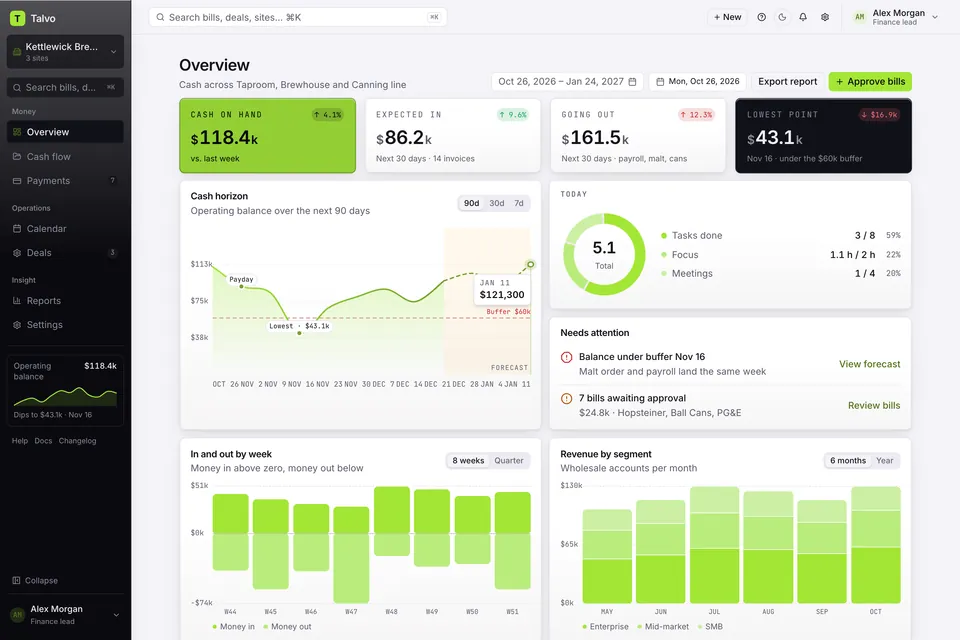
Drop in a logo or an app screenshot and get its colour palette, largest first, with the likely brand colour picked out. Turn that colour into shadcn/ui CSS variables for light and dark mode, checked at WCAG AA, without the image leaving your browser.
No image to hand? Try one of these
Your image stays in your browser. It’s read on this page and never uploaded.
How it works
Add your image
Pick the brand colour
Copy or carry on
What it does, and doesn’t
It does
- Reads PNG, JPG, WebP and SVG files up to 8 MB, in your browser.
- Skips transparent pixels, so a logo's empty canvas doesn't count.
- Reports white, black and greys as neutrals, and suggests the most prominent saturated colour as the brand.
- Builds the shadcn/ui variables for light and dark mode from it, with primary text checked at 4.5:1.
It doesn’t
- Name your colours or tell a logo from the rest of a screenshot: a large photo or illustration can outweigh a small brand colour.
- Keep colours that cover under half a percent of the image, so thin text and tiny icons can drop out.
- Match your brand guidelines exactly. Where the official hex codes exist, type them into the theme generator.
Already know your hex code? Go straight to the shadcn/ui theme generator.
GliaKit Studio
Studio builds a brand book and every page of your app from your logo
Attach your logo to a prompt in GliaKit Studio and its colours become your theme's brand colours. Studio designs every page of your app in it and writes a brand book: the logo on light and dark backgrounds with clear space and minimum size, the app icon, colours with contrast, type and voice. It exports clean Next.js code on shadcn/ui.
How studios use it: a design system and brand book from a logo.
About colours from an image
Still unsure? Email dejan@veljanoski.com and the person who built it will reply.
Your logo in. Your app out.
Ship it designed.
Start a free Studio trial with no card, and get every page of your app designed in your brand.
Or start from an example