
Next.js boilerplate + design system + AI rules
Ship a SaaS that
looks designed.
One system across Figma, code, and your Cursor / Claude Code.
Wired on day one
Auth, payments, database and email connected out of the box.
One system, zero drift
Figma, code and AI rules never fall out of sync.
AI-native by design
Cursor and Claude Code ship UI that already matches.
The problem
AI tools ship features. They don’t ship taste.
Prompt a feature and you get working code — with default fonts, arbitrary spacing, and a blue button that matches nothing. Every screen drifts a little further from the last.
Same dashboard, same data. The only difference is a system the code actually follows. Drag to compare.
One system, three surfaces
Design, code, and AI rules describe the same thing
Figma
Button / Gradient: the same variant, radius and gradient as the code.
const buttonVariants = cva( "inline-flex items-center justify-center rounded-md", { variants: { variant: { default: "bg-primary-strong text-primary-foreground", // violet fill -> signature gradient on hover gradient: "bg-primary-strong hover:bg-[image:var(--gradient-signal)]", }, }, },)Code
components/ui/button.tsx
# ButtonsPrimary calls-to-action use: <Button variant="gradient"> Never hardcode colors. Use semantic tokens only: bg-primary-strong, text-primary-foreground, bg-card, border-border, text-muted-foreground Radius: buttons + inputs = rounded-md (8px).Rules file
.cursor/rules/design-system.mdc
Built with a few prompts
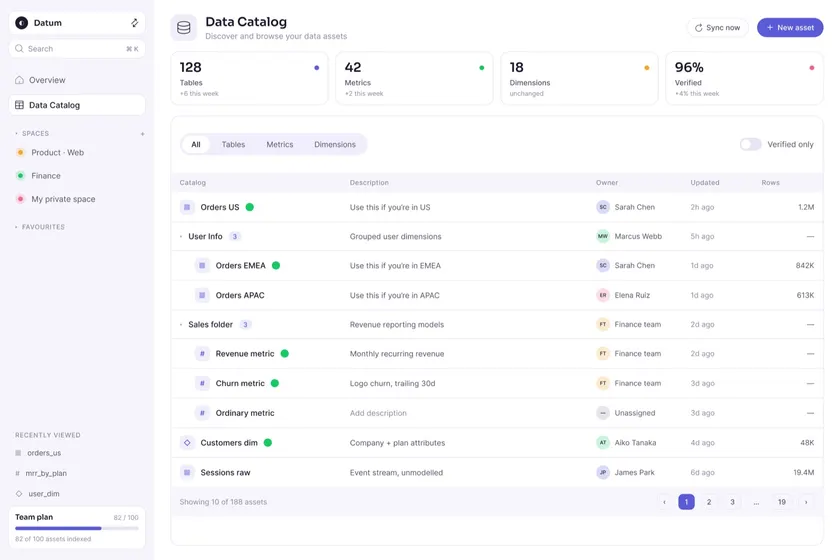
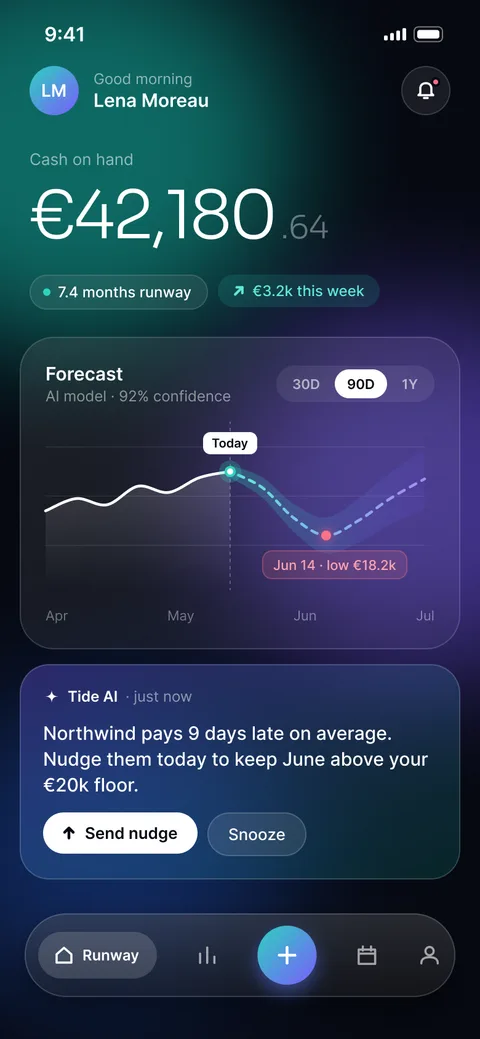
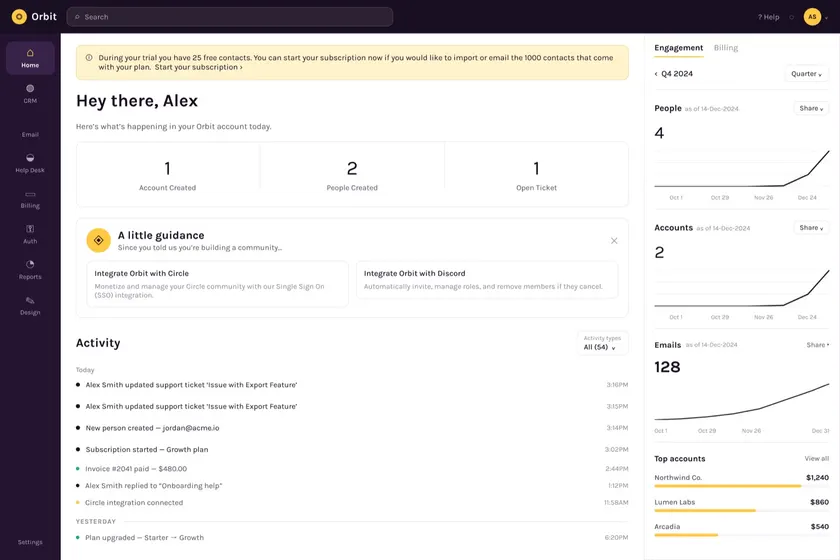
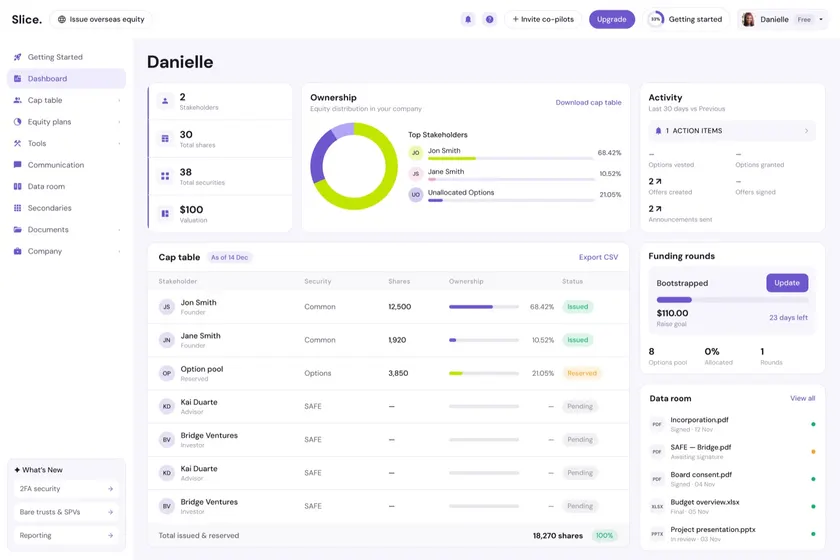
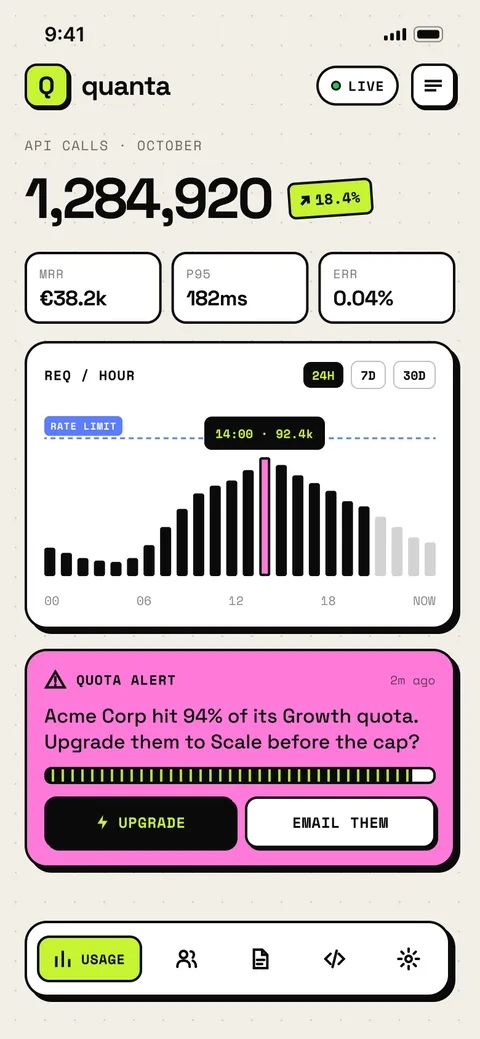
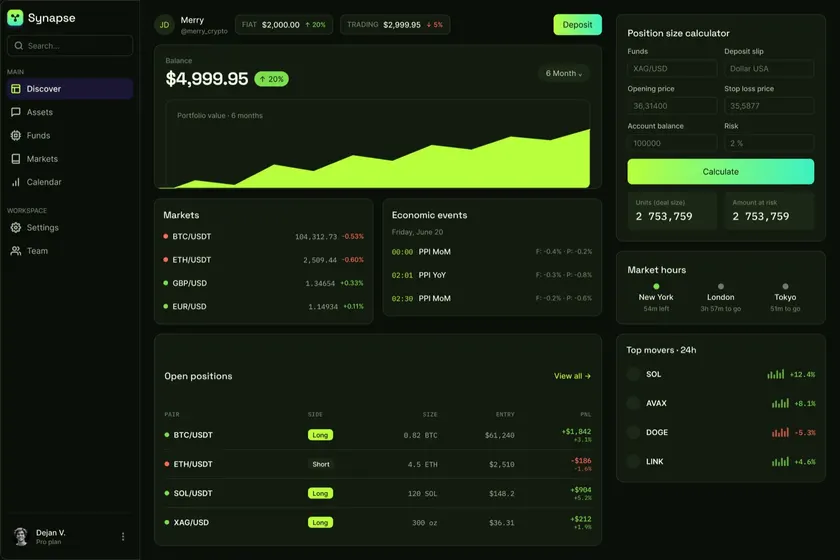
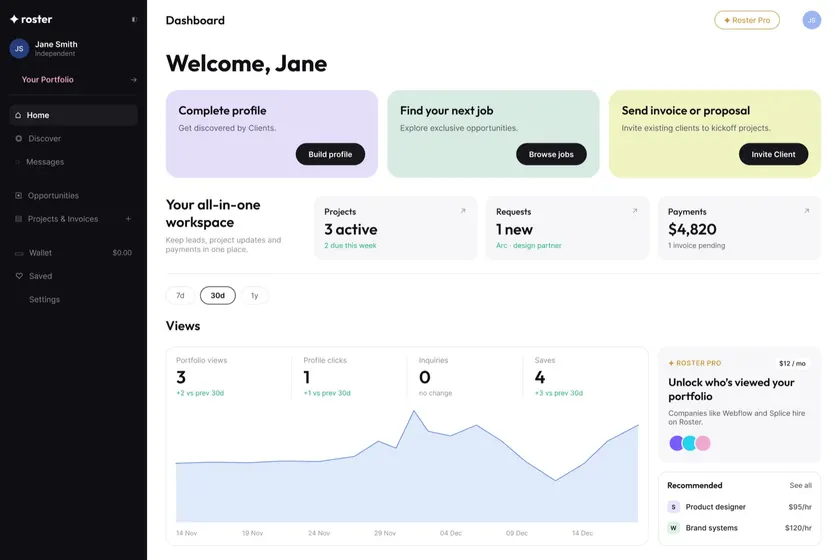
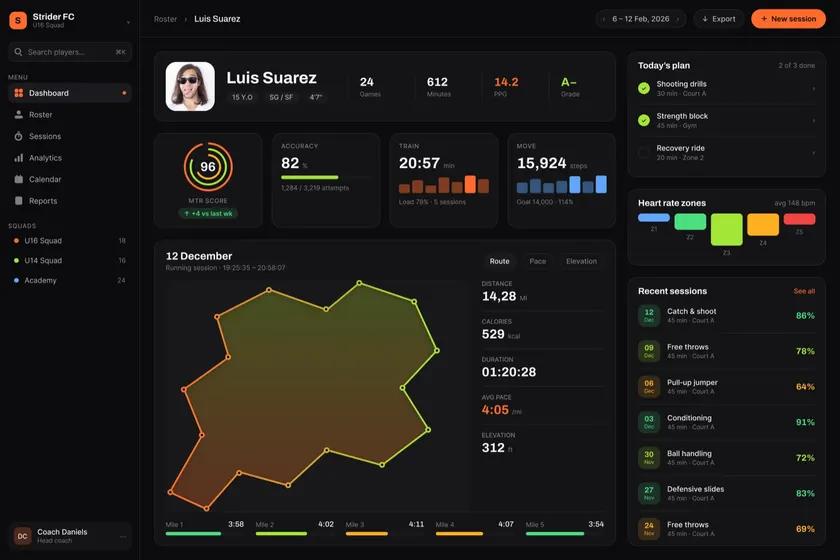
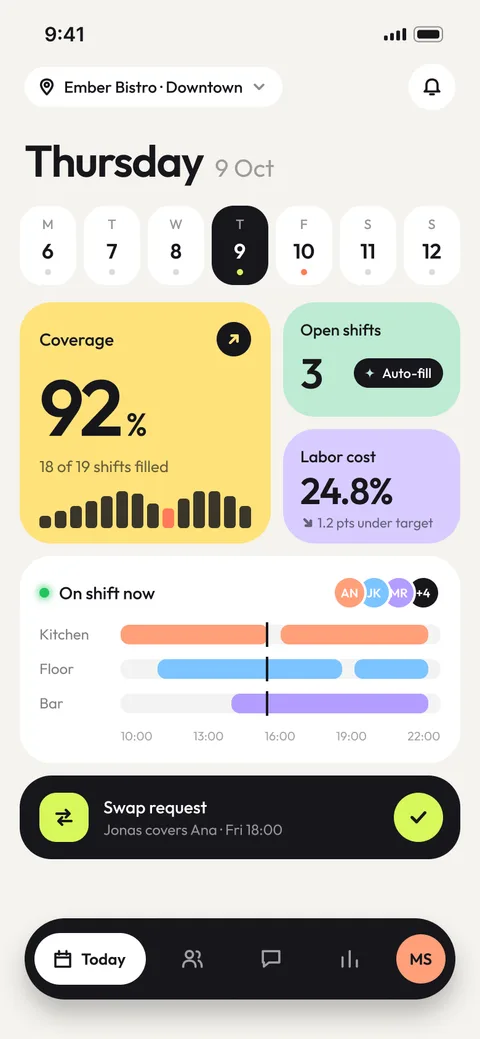
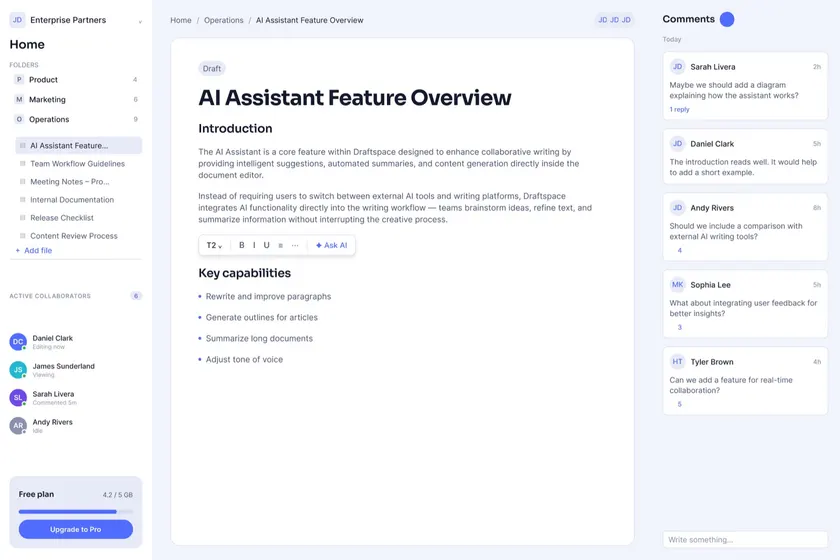
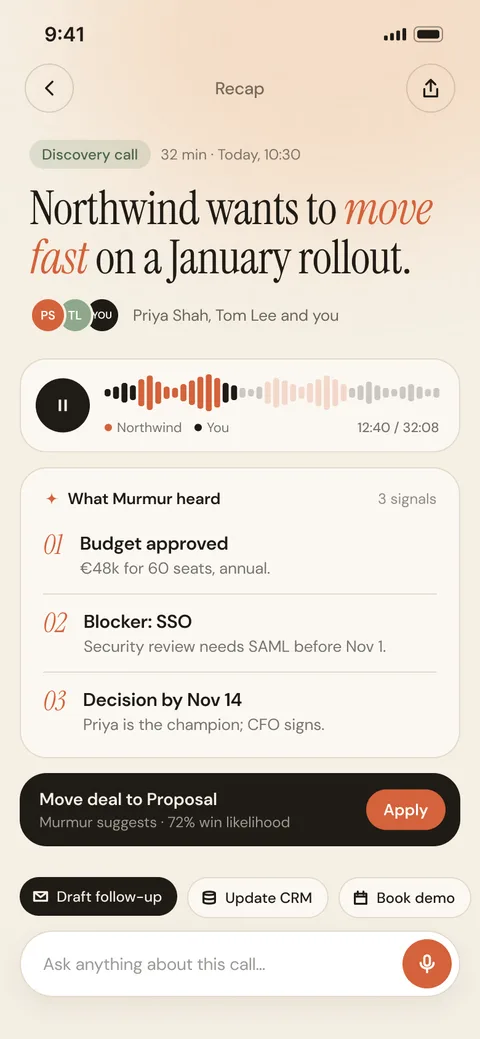
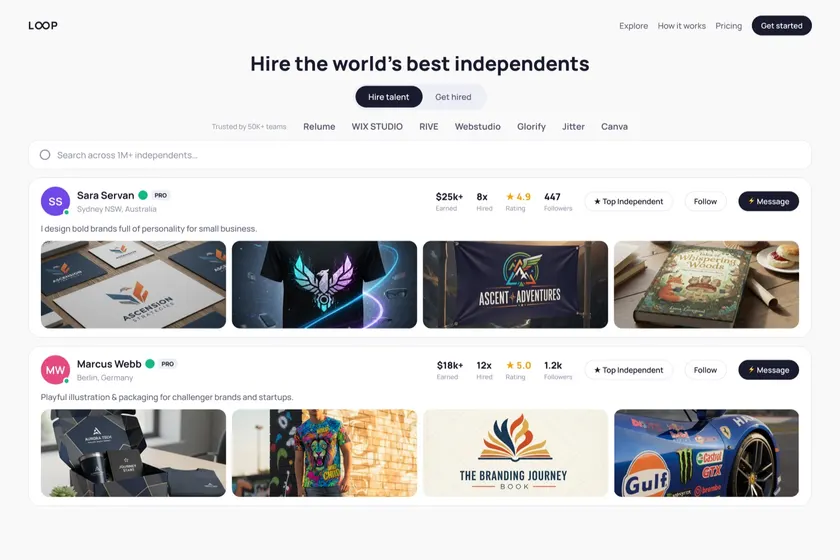
What you can ship with just a few prompts
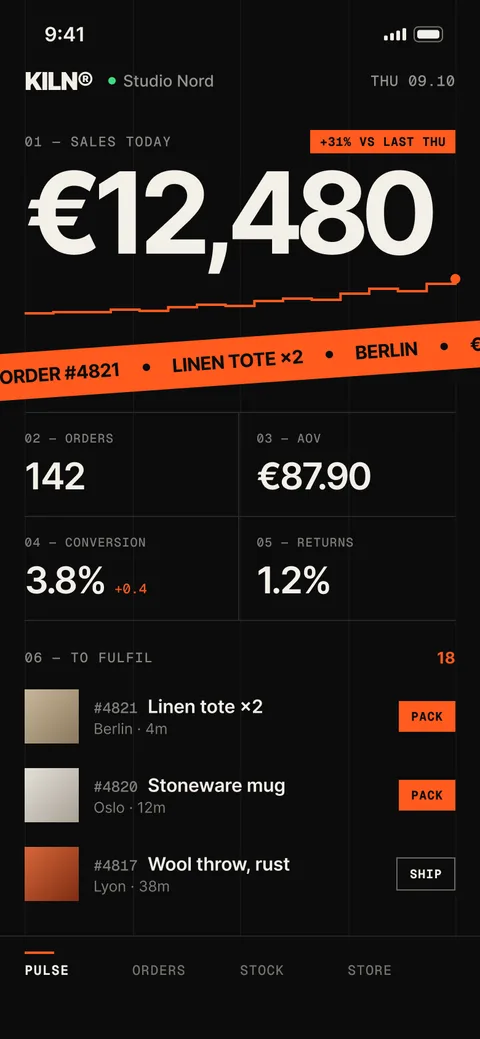
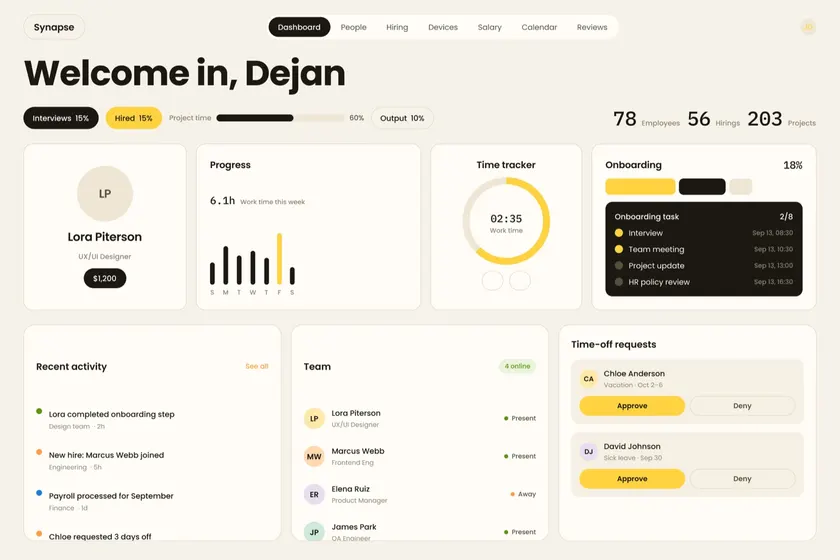
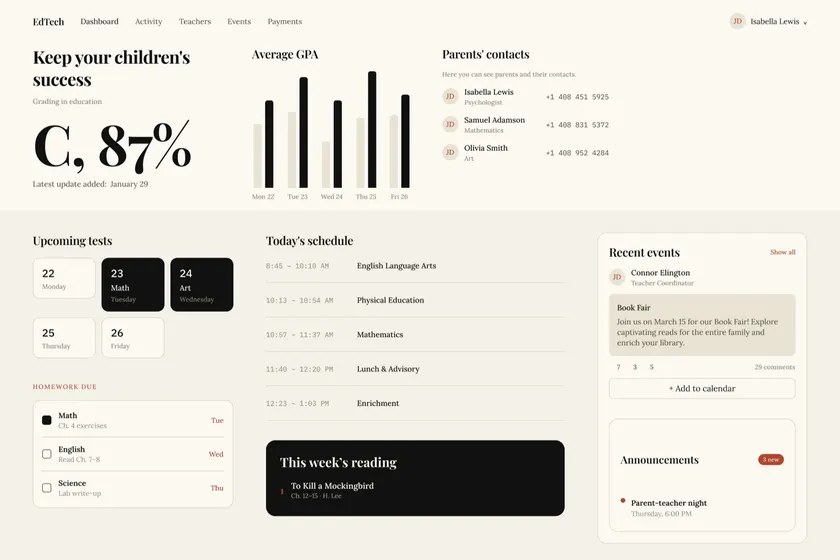
What’s inside
A working product, not a component dump
Auth
Sign-in, sign-up, reset and protected routes, wired to Clerk.
15 wired screens
Dashboard, customers, inbox, billing, settings and auth: routed, typed and ready to rename.
Payments
Stripe checkout and the billing screen, one-time and subscription.
Resend templates that match the system.
Lifetime updates
Every new screen and template is yours.
Figma source
The full library, variables mapped 1:1 to the tokens.
Database
Typed Prisma models for users, subscriptions and content.
Rules + prompt library
Cursor and Claude Code rules, plus prompts that ship on-brand UI on the first try.
The AI layer
Your AI tools inherit the system
› Add a team members table with an invite button
read .cursor/rules/design-system.mdc
read .cursor/rules/screens.mdc
+ src/app/(app)/settings/team/page.tsx
+ uses <Table>, <Button variant="gradient">
Composed from existing primitives. Tokens only. No new colors.
✓ Done, matches the system.
Your prompt, read against the rules
Claude Code and Cursor load the design system before writing a line, so they compose instead of invent.
Team
Members
On-brand on the first try
Real kit components and semantic tokens. Nothing to restyle afterwards.
Cursor
Rules in .cursor/rules, scoped to the files they govern.
Claude Code
CLAUDE.md loads AGENTS.md: the same conventions, read by Claude Code.
Prompt library
Copy-paste prompts for new screens and CRUD tables, written against the rules.
Pricing
Buy once. Ship on brand forever.
One-time payment, no subscription. Yours forever, with lifetime updates.
GliaKit UI
Figma CommunityThe design system, open to everyone.
- Full token set + variables
- Core components in Figma
- Light + dark foundations
Opens in Figma Community
GliaKit
Everything includedThe complete kit, wired and ready to deploy.
- Next.js + shadcn/ui boilerplate
- All 15 screens, wired & routed
- Auth, payments, database & email connected
- AI rules files + prompt library
- Lifetime updates
- Priority support
€199 oncelifetime updates7-day refundView live demo
GliaKit + Studio
Custom-themed to your brand by the designer who built the system: your colours, type and radius carried through Figma, code and rules.
€1,499
3 slots per month
FAQ
Questions, answered
7
days
7-day refund
No questions asked. If the kit doesn't save you time, you get your money back.
Still unsure?
Email hello@uiforge.design and the person who built it will reply.
The maker
Who built this

Dejan Veljanoski
Product designer · UI Forge
I built GliaKit because I was tired of AI tools shipping features that looked nothing like the product around them. I use this exact system to ship my own work, The Kids Tales and client products, and now it’s the thing I reach for first.
veljanoski.com
Portfolio and case studies.
uiforge.design
The design studio behind GliaKit.
@BaxterDV
Build notes and updates on X.
Ready when you are
Stop shipping default UI.
Ship designed.
The boilerplate, the design system, and the rules your AI tools need — one purchase, yours forever.