For freelancers and design studios
Pitch with a real designed app, not a wireframe
GliaKit Studio designs every page of a client's app from one brief, in one consistent look, so the proposal shows the product instead of grey boxes. You send it as a clickable prototype link the client can comment on, then take it to Figma or export Next.js code when the work goes ahead.
Free trial, no card. See pricing
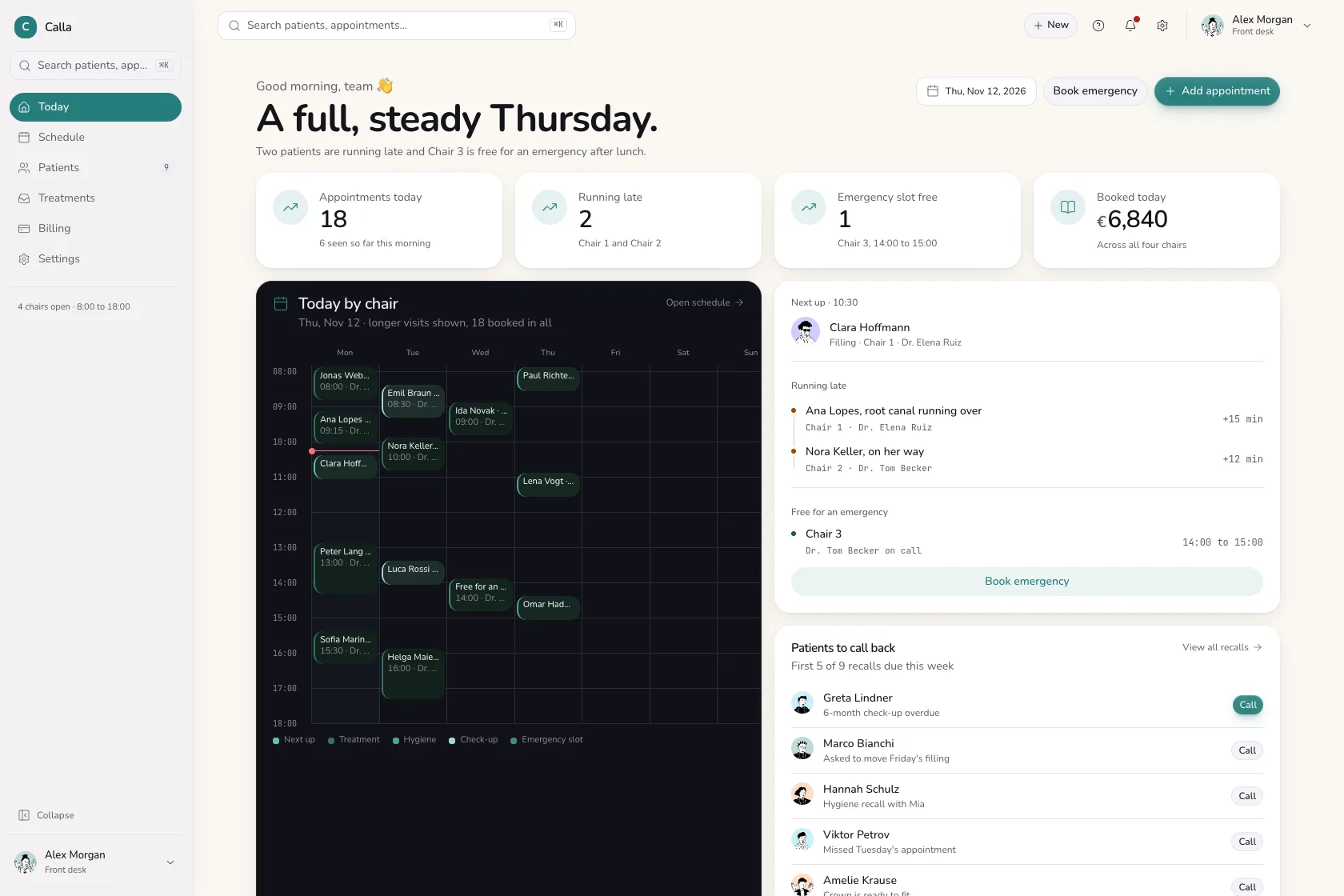
How it works in Studio
Freelance designers, developers and small studios putting together a proposal, a pitch or a first round of design.
Paste the brief
Two sentences or the client's full spec, or attach a screenshot of an app for Studio to match. Studio plans the pages and designs each one from GliaKit components.
Add the client's logo
Attach it to the prompt. Studio takes the brand colours from it and puts the logo in the app's navigation.
Try a few looks
Pick one of 50+ styles and every page changes at once, or press Surprise me for a new combination. Then fine-tune colour, type, corners and density.
Fix the details by hand
Edit text in place, drag sections to reorder and redesign any page with a new prompt. Link buttons to pages, dialogs and drawers so the prototype clicks through.
Send a comment link
Share… makes a link to every page and overlay, in the app's own theme. The client opens it without an account, gives their name once and pins comments to sections.
Resolve, then hand over
Reply to each comment and resolve it in the Comments tab. Once the work goes ahead, send the pages to Figma or download the Next.js project.
What you hand over
- A prototype link that can view or comment, which you can revoke at any time
- Comments pinned to sections, with replies, kept in the editor's Comments tab
- Named versions, so an earlier direction can be shown or restored
- Every page in Figma as editable layers, with the brand colour as a variable (paid plan)
- A plain Next.js project on the free kit, with no Studio runtime inside (paid plan)
Limits worth knowing
- It's a design and a clickable prototype, not a working app: there's no backend or real data behind it, and the figures on the pages are written into the design.
- During the trial, share links show a small “Designed with GliaKit” link, and sharing stops when the trial ends. On the paid plan the badge is off unless you turn it on.
- The trial designs and shares. Downloading the Next.js code and sending pages to Figma come with the paid plan.
- Studio is one seat per account for now, so a studio's team can't share one workspace yet.
More apps designed in Studio
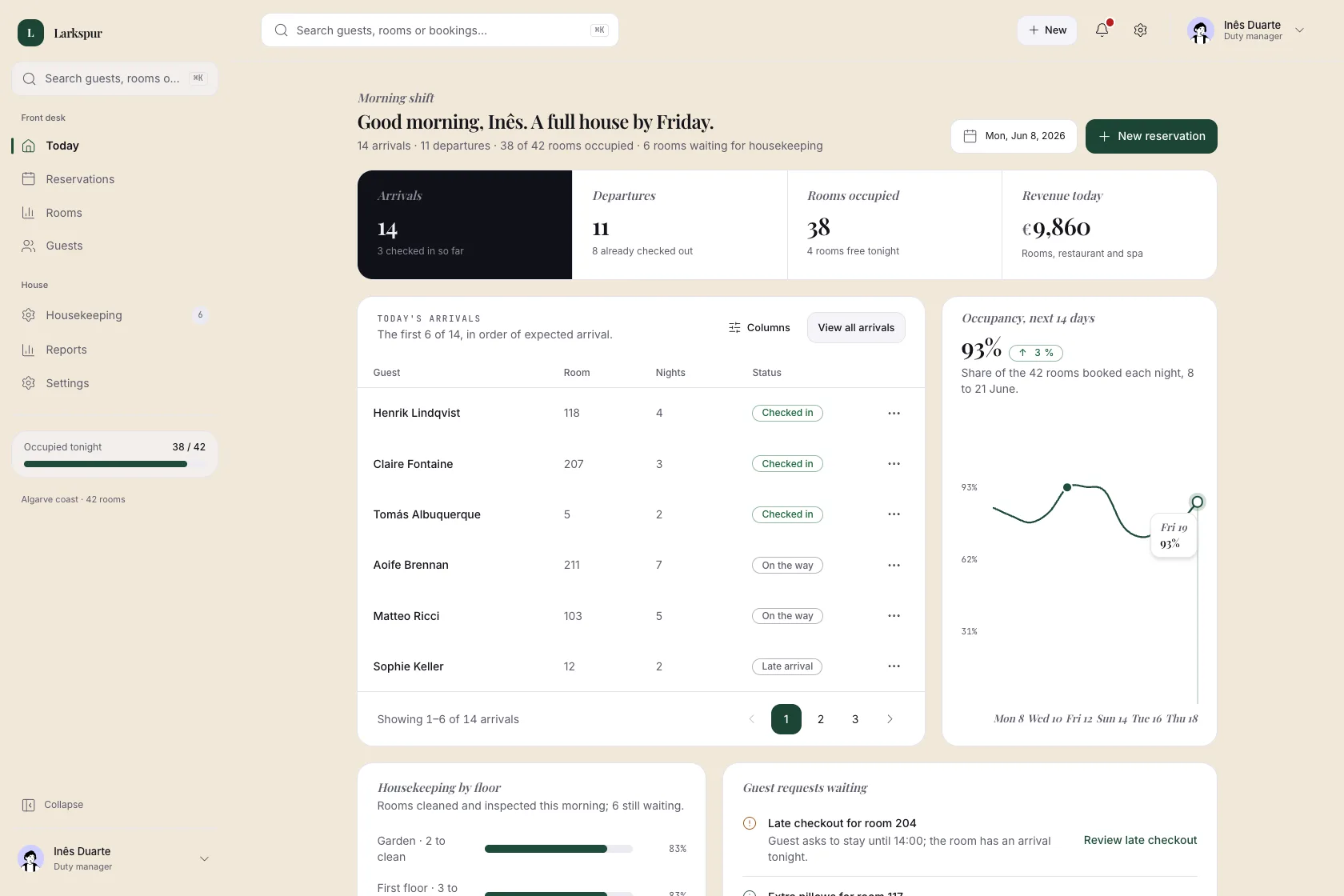 From a prompt7 pagesLarkspurFront office for a boutique hotelLarkspur, the front office of a 42-room boutique hotel by the sea. The duty manager opens it at the start of every shift to see who arrives and leaves today, which rooms are ready, what guests have asked for, and how full the coming two weeks are.
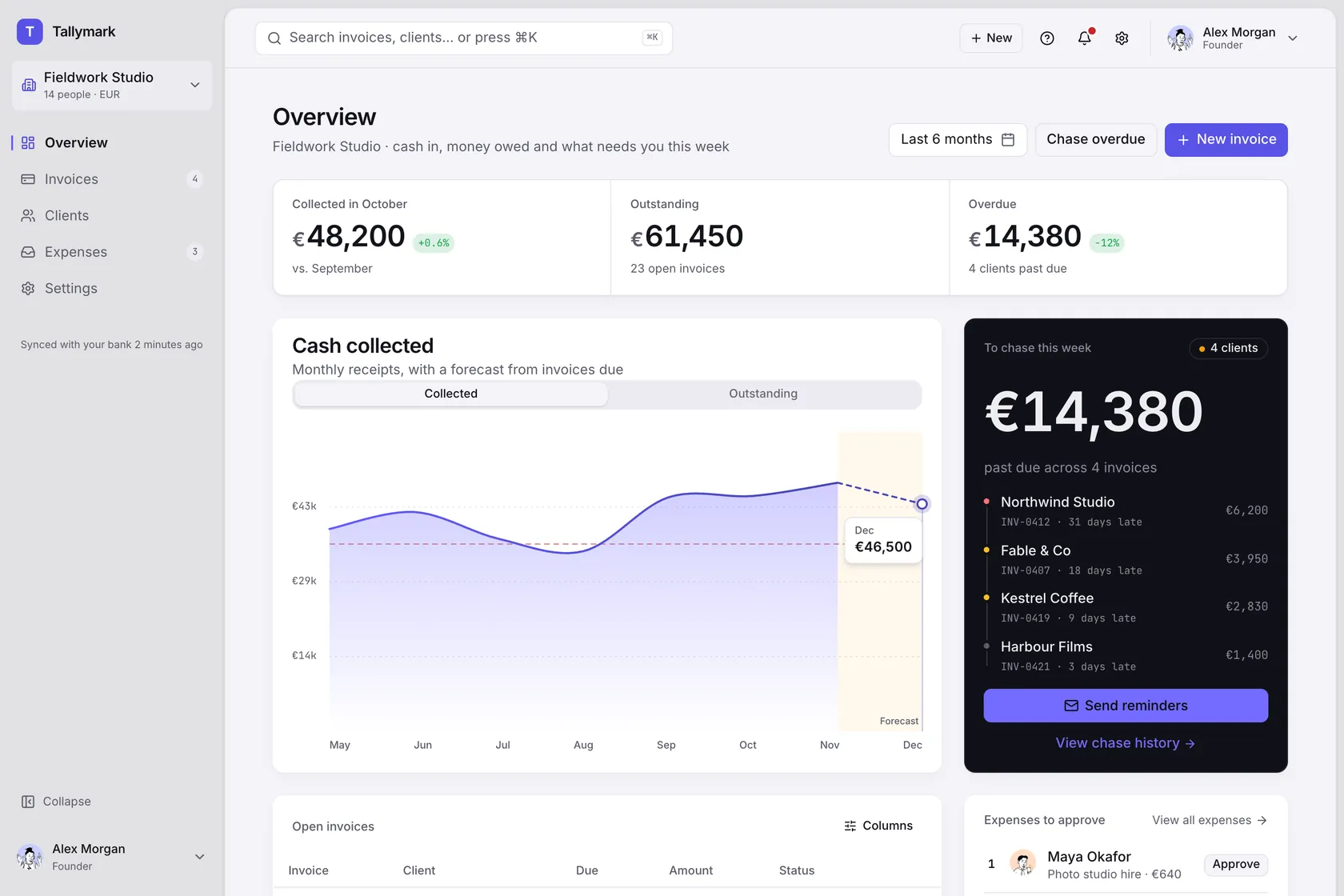 From a prompt5 pagesTallymarkInvoicing and cash-flow app for creative agenciesTallymark: invoicing and cash-flow app for small creative agencies (5-30 people). Owners see revenue and outstanding invoices over time, chase overdue clients, approve expenses, and manage their team, workspaces and subscription. Pages: Overview, Invoices, Clients, Expenses, Settings. Deep forest green, calm and premium.
What the trial includes
The trial designs, themes and shares. Downloading the code and sending pages to Figma come with the paid plan.
See pricingRead next
Weighing it against the other AI tools a client might mention?
Compare Studio with v0, Lovable and Figma MakeQuestions about pitching with Studio
Still unsure? Email dejan@veljanoski.com and the person who built it will reply.
Bring the brief.
Pitch it designed.
Paste the client's brief and Studio designs every page of their app, ready to share for comments.
Or start from an example