From a prompt · Designed in GliaKit Studio
Reelmind: editor for an AI film studio
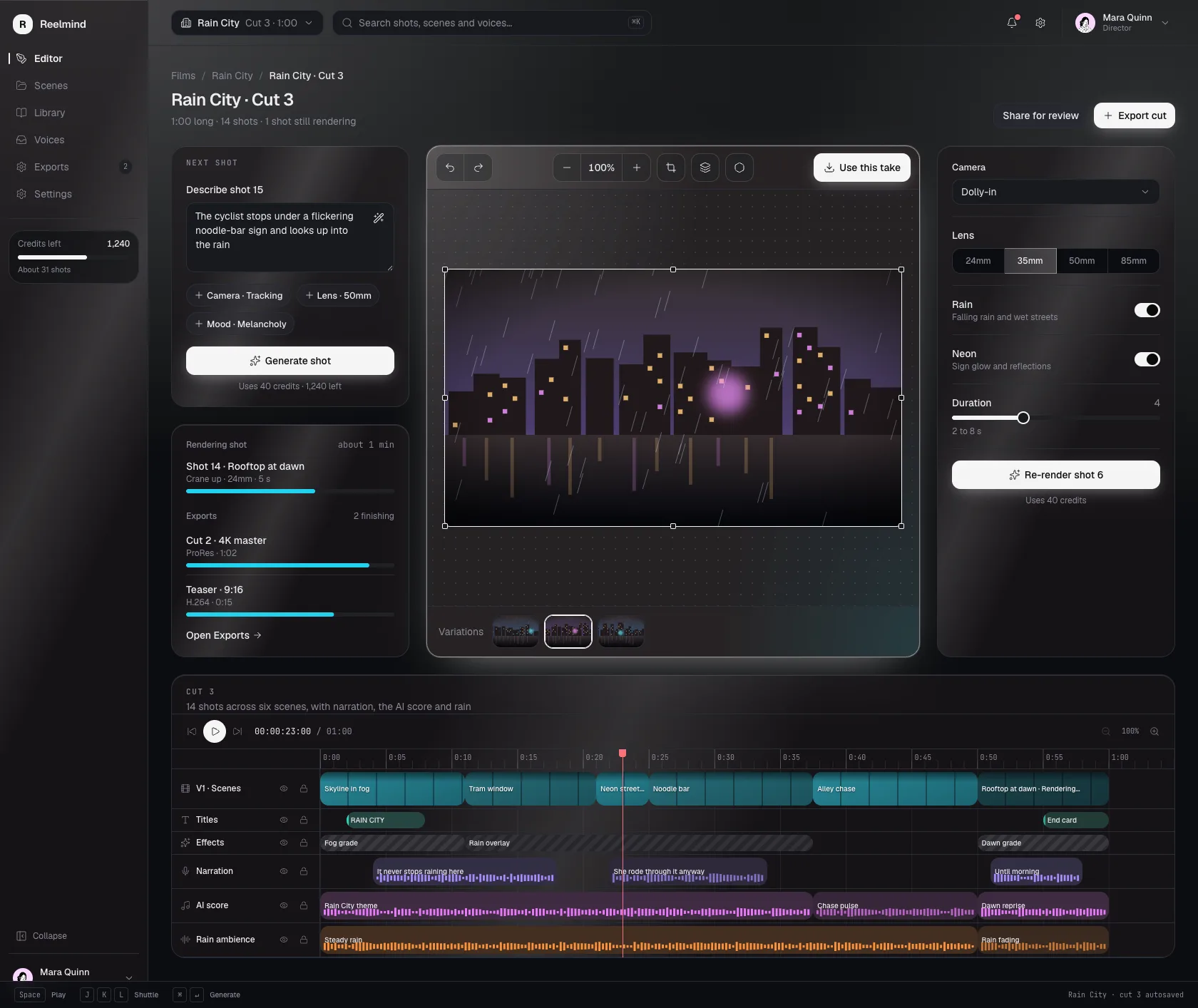
Reelmind, an AI film studio's editor: the shot in a 16:9 preview, a prompt for the next one and the cut on a multi-track timeline, designed in GliaKit Studio.
The prompt
As it was typed, in full.
Reelmind, an AI film studio where a small team makes short films from prompts: they describe a shot, the AI renders it, and they cut the shots together on a timeline with narration and an AI score. The director opens the Editor every day to generate the next shot, check what is still rendering and trim the cut. Pages: Editor, Scenes, Library, Voices, Exports, Settings. Exports has 2 renders finishing; show the count next to it. Editor: the current shot large in a 16:9 preview ("Neon street in the rain, a cyclist passing") with three takes to pick from; a prompt box to generate the next shot with camera, lens and mood options; the cut on an editing timeline with tracks for scenes, titles, effects, narration, the AI score and rain ambience, the playhead at 0:23 and one shot still rendering; and the shot's settings at the side (camera dolly-in, 35mm, rain, neon, 4 s). Real details: the film is "Rain City", cut 3, 1:00 long, 14 shots, the director is Mara Quinn, credits 1,240 left. Look: cinematic and premium. A near-black graphite page, glass panels, a soft diagonal sheen, white glossy buttons, dark.Start from this prompt
What Studio made
- The cut on an editing timeline: scenes, titles, effects, narration, the AI score and rain on their own tracks, one shot still rendering
- The shot in a 16:9 preview with its three takes, between the prompt for the next shot and its camera, lens and mood
- Renders and exports in progress, credits left in the sidebar and the editor's keyboard shortcuts along the foot
Pages
- Editor
- Scenes
- Library
- Voices
- Exports
- Settings
Every page downloads as a plain Next.js project on the free GliaKit kit, and goes to Figma as editable layers.
More apps designed in Studio
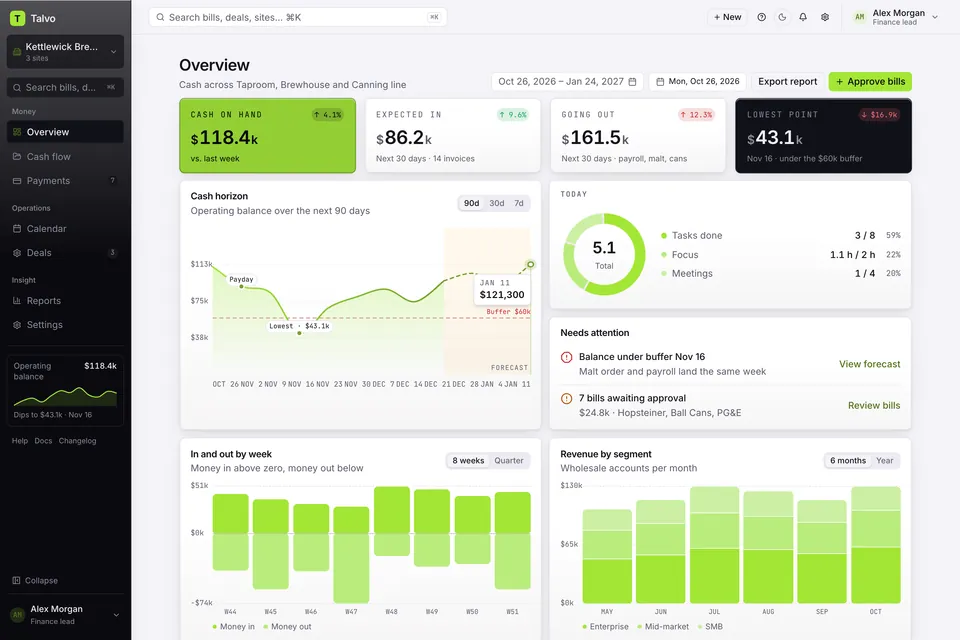 From a prompt7 pagesTalvoCash-flow app for a craft breweryTalvo, a cash-flow and operations app for Kettlewick Brewing Co., a craft brewery with three sites. Dark mode, lime accent on near-black, a dark developer-tool feel.
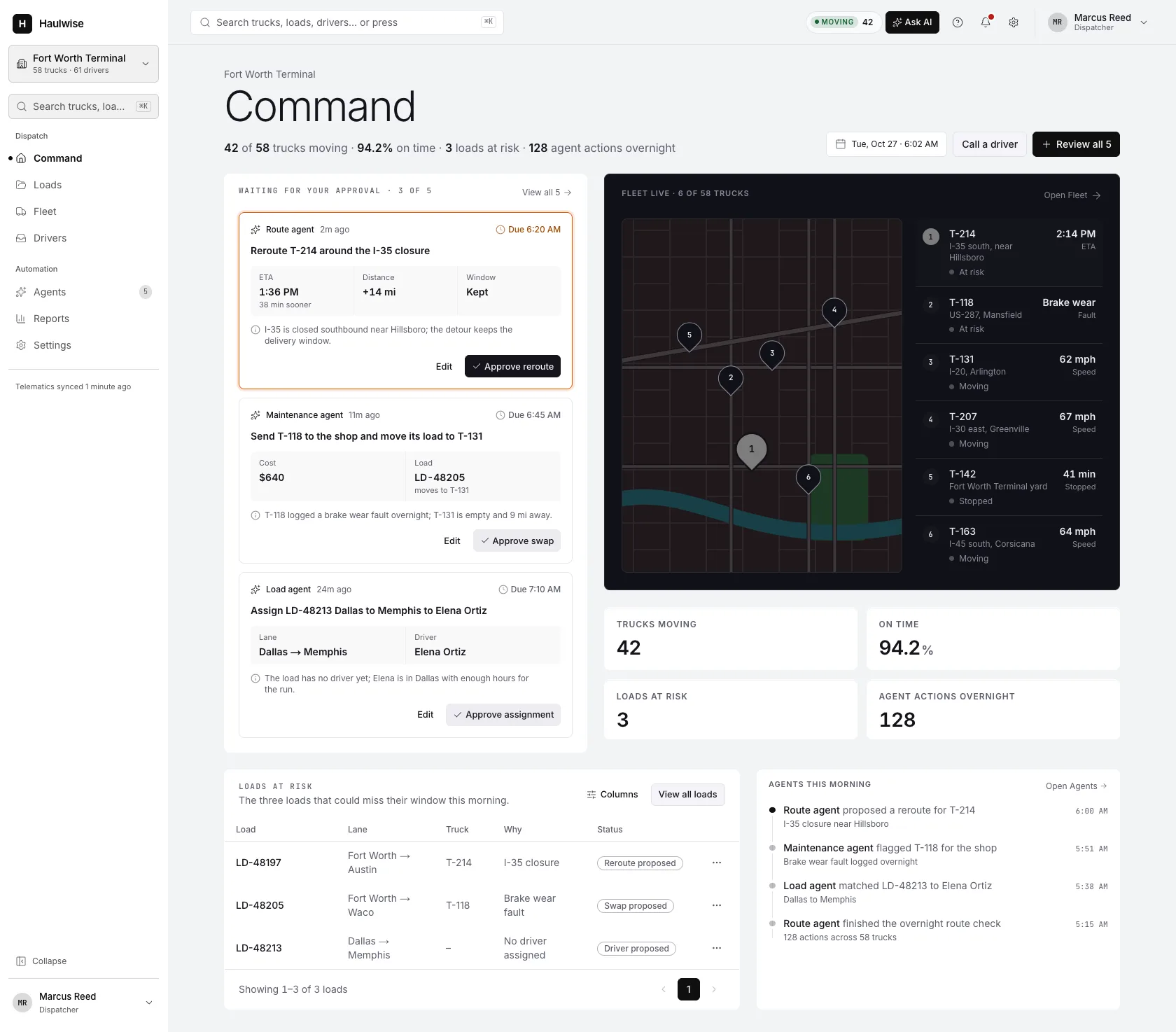 From a prompt7 pagesHaulwiseDispatch command center run by AI agentsHaulwise, the command center of a regional trucking company where AI agents plan routes, maintenance and loads, and the dispatcher approves what they propose. The dispatcher opens it at 6 am to see the fleet on a map, what the agents need a yes on, and which loads are at risk.
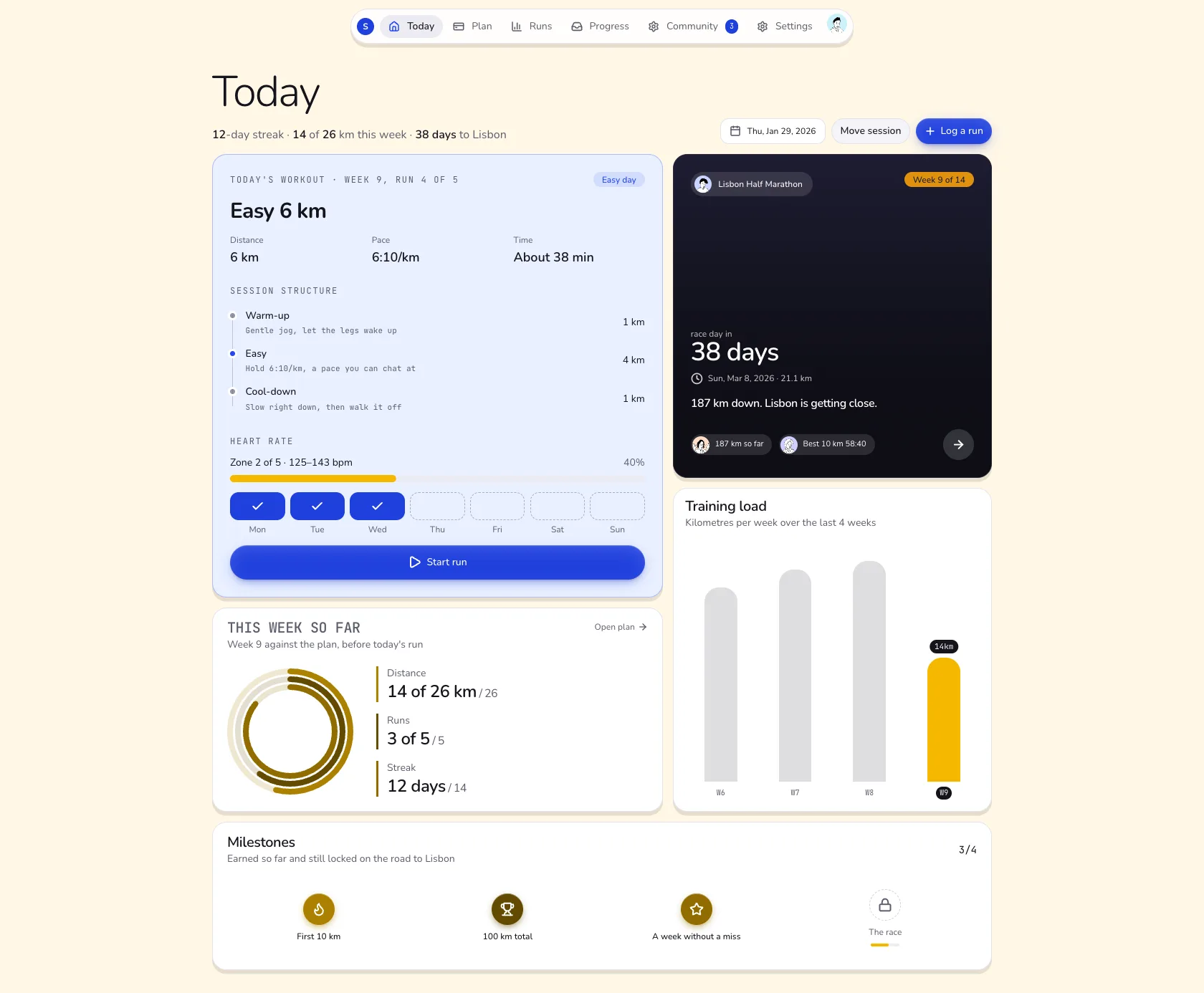 From a prompt6 pagesStrideRunning coach for a first half marathonStride, a running coach for people training for their first half marathon. The runner opens it every morning to see today's workout, how the week is going and how close the race is.
Describe yours.
Get it designed.
Start a free trial with no card, and Studio designs every page of your app from one prompt.
Or start from an example